
Join Over 21,000 Followers!
OMG Goodies
Real Reviews.
Real Families.
Real Goodies.

WHY OMG GOODIES
Twelve Bloggers, One Mission
- Honest product reviews across 18 categories
- Seasonal gift guides for every occasion
- Sweepstakes and giveaways you can join
- Tips for parents, pet owners, and bargain hunters
A Parent’s Guide To The Best Kids’ Tablets For Learning
A suitable tablet can support reading, maths practice, research, creativity and quiet travel time without becoming an all-day entertainment device. The best choice depends on a child’s age, your household rules, internet access and the apps required for schoolwork.
Australian families also need to consider local availability, warranty support, screen durability and whether a device works well with school platforms. A tablet used in a Sydney apartment, a regional Queensland home or during long drives between Melbourne and Adelaide may have very different demands.
Treat specifications as a starting point rather than a guarantee. Hands-on testing, child-friendly settings and a clear agreement about when and where the tablet may be used matter just as much as storage or display size. Independent product reviews can help parents compare real-world usability before spending.
| Tablet | Best suited to | Main strengths | Watch-outs | Typical Australian price |
|---|---|---|---|---|
| Apple iPad 10th generation | Primary and secondary students | Excellent apps, long support life, strong performance | Accessories add cost; no rugged case included | About $550–$750 |
| Samsung Galaxy Tab A9+ | Shared family learning | Large display, Android flexibility, expandable storage on some models | Parental controls need careful setup | About $300–$450 |
| Lenovo Tab M11 | Reading, video lessons and homework | Good screen, bundled pen on selected packs | Moderate performance for demanding apps | About $250–$400 |
| Amazon Fire HD 10 Kids | Younger children | Rugged case, child profile and parental tools | App selection differs from Google Play tablets | About $250–$350 |
| Refurbished iPad | Budget-conscious families | Strong app compatibility and resale value | Battery health and warranty vary by seller | About $300–$600 |
Match The Tablet To The Child
For preschoolers and early primary students, simplicity and protection usually matter more than speed. A tough case, manageable weight, reliable battery and an uncomplicated child profile can prevent many daily frustrations. Large icons, read-aloud books and drawing apps are useful for developing early literacy and fine-motor skills.
Older children may need Google Classroom, Microsoft 365, coding platforms, digital textbooks or video conferencing. An iPad offers a broad education app library, while Android tablets can provide greater file flexibility and expandable storage. Check the requirements of your child’s school before buying, especially if the school operates a bring-your-own-device program in Brisbane, Perth or another Australian city.
Prioritise Safety And Parental Controls
A learning tablet should make boundaries easy to enforce. Look for separate child accounts, app approval, screen-time schedules, web filters, purchase restrictions and a way to review activity without constantly taking the device away. Apple Screen Time, Google Family Link and Amazon’s child profiles can all help, although their settings differ.
Privacy deserves attention as well. Read the manufacturer’s data policy and disable unnecessary microphone, camera and location permissions. Australia’s Privacy Act and the Australian Consumer Law provide important protections, but they do not replace sensible household rules. Use a passcode, install updates promptly and teach children not to share their full name, school, address or passwords online.
Check Learning Features And App Access
Educational value comes from how a tablet is used, not from the device name. Look for quality reading apps, numeracy games, spelling tools, drawing software and accessibility features such as text-to-speech or adjustable display settings. A stylus can be worthwhile for handwriting, diagrams and annotation, though it is unnecessary for every primary-school child.
App stores vary significantly. Amazon’s Fire tablets are appealing for younger users but may not provide every Google service or Australian school app. Android offers variety and value, while iPadOS is often preferred for creative projects and long-term software support. Families seeking additional educational material may also explore these learning resources alongside school-approved programs, checking suitability and privacy before creating an account.
Consider Durability, Storage And Battery
Children carry devices between the kitchen bench, the back seat and the school bag, so a protective case with raised edges is essential. A tempered-glass protector can reduce scratches, but it will not make a tablet waterproof. Keep drinks away from the device and avoid leaving it in a hot car, a practical concern during Australian summers in places such as Perth, Newcastle and Darwin.
At least 64GB of storage is a sensible starting point for apps, downloads and school files. Choose 128GB if several children will share the tablet or if offline videos and audiobooks are important. Wi-Fi models are usually enough for home use, especially where a family has dependable NBN service; mobile data models cost more and require an ongoing plan.
Build A Routine That Supports Learning
A tablet works best when its purpose is clear. Families might reserve weekday afternoons for homework, permit a reading app before bedtime and keep games for a defined weekend period. A charging station in a shared area makes it easier to supervise use and prevents the familiar problem of a flat battery before school.
Balance digital activities with handwriting, outdoor play, conversation and physical books. During long school-holiday trips, download lessons and audiobooks before leaving reliable coverage rather than assuming mobile reception will be available along every regional route. Headphones can help on flights and public transport, but volume limits and regular breaks protect comfort.
Choose Accessories And Ongoing Costs Carefully
The tablet price is only part of the budget. Add a case, screen protector, keyboard or stylus only when the child’s activities justify them. A USB-C charger may be shared with other household devices, but confirm compatibility and consider buying a spare for the school bag or living room.
Refurbished devices can offer excellent value when purchased from a reputable Australian seller with a clear battery and warranty policy. Check return terms, software-update support and whether the charger is included. The Australian Consumer Law applies to products sold by businesses, including many refurbished goods, so retain receipts and understand the seller’s process for faulty items.
Make The Final Choice Practical
Before ordering, compare the whole experience rather than focusing on processor speed. These checks can narrow the field:
- Confirm that required school apps work on the operating system.
- Choose at least 64GB of storage and a sturdy, child-sized case.
- Test parental controls before handing the tablet to a child.
- Check warranty coverage, returns and local repair options.
- Set a charging, cleaning and screen-time routine from day one.
A tablet can also fit into a wider family budget when purchases are planned together. For example, parents already comparing practical children’s essentials may appreciate this budget wardrobe guide as a reminder to prioritise versatile, durable items over impressive extras.
The right learning tablet is the one your child can use safely, comfortably and consistently for the tasks that matter. Compare current Australian prices, check school requirements and set up the protective case and parental controls before the first lesson. That preparation turns a new device into a dependable learning tool rather than another source of household screen-time battles.
"We are a team of bloggers with various talents. With twelve bloggers, we have families both big and small. We have cats, dogs, toddlers — and a passion for sharing what we love."
Our community has grown to over 21,000 followers who trust us for daily reviews, practical tips, and exciting giveaways. Every product we feature is tested by a real family, so you get honest opinions you can rely on.
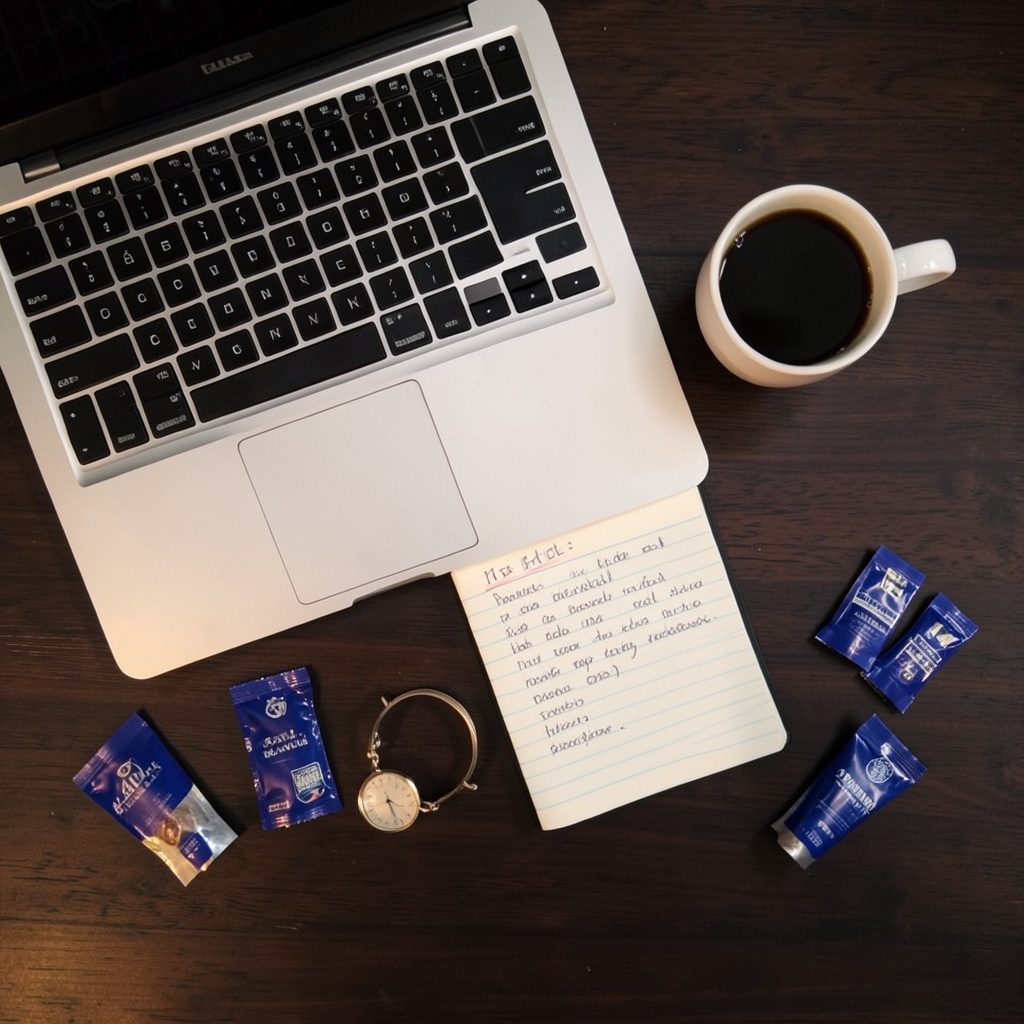
Our bloggers test products in real homes with real families.
Trusted by Thousands
SINCE 2012 — HONEST REVIEWS, REAL FAMILIES
Brands partner with OMG Goodies to reach engaged families through authentic product reviews, sponsored content, and seasonal gift guides.
Work With Us
Our 2017 Gift Guides spanned Valentine's Day, Mother's Day, Father's Day, and the holiday season — helping thousands of readers find the perfect present.
Gift Guides You Can Count On

Sweepstakes Link Up!
Join our community sweepstakes. Link up your own giveaways and discover new ones every week.
Product Reviews
Browse honest reviews across 18 categories — from baby products to tech gadgets.
Gift & Lifestyle Guides
Curated picks for holidays, fitness goals, and every special occasion in between.

Recent Reviews
HOME & KITCHEN
WHY SLOW COOKER IS A FAVORITE FOR A BUSY MOM
A slow cooker saves time and stress for families juggling busy schedules. Our team shares how this kitchen staple became a weeknight hero.
Slow Cooker Review

HEALTH & WELLNESS
THE TOP 5 COST-EFFECTIVE DIETS TO TRY THIS NEW YEAR
From meal planning to smart grocery shopping, these five approaches help families eat well without breaking the bank.
Diet Guide
PET PRODUCTS
4 WAYS CRATE TRAINING IS GOOD FOR YOUR PUPPY
Crate training builds security and routine for puppies. Our pet-loving bloggers explain the benefits and best practices.
Puppy Training Tips
PET PRODUCTS
5 TIPS TO MAKING HOMEMADE CAT FOOD
Homemade cat food can be nutritious and affordable. Our team shares five practical tips for getting started safely.
Cat Food Guide
Want to partner with a trusted family blog?
- Sponsored reviews and dedicated posts
- Placement in seasonal gift guides
- Sweepstakes and giveaway collaborations
- Access to 21,000+ engaged followers