
Join Over 21,000 Followers!
OMG Goodies
Real Reviews.
Real Families.
Real Goodies.

WHY OMG GOODIES
Twelve Bloggers, One Mission
- Honest product reviews across 18 categories
- Seasonal gift guides for every occasion
- Sweepstakes and giveaways you can join
- Tips for parents, pet owners, and bargain hunters
Kid-friendly tablets and durable cases that suit Australian families
Choosing the best kid-friendly tablets is less about chasing the biggest screen and more about finding a device a child can operate without turning every lesson into a support call. The sweet spot balances a readable display, reliable apps, manageable charging and controls that adults can adjust quickly.
A durable case matters just as much. It protects the tablet from the daily reality of dropped devices, sticky fingers and a school bag that seems to swallow everything. Look for a raised edge around the camera and screen, a secure grip and a way to prop the tablet for videos or drawing.
Specs tell only part of the story. Useful checks include touch responsiveness, speaker clarity, charging speed, account separation, repair options and how comfortably the device fits small hands. A feature-rich tablet can still frustrate if menus are crowded or software updates interrupt play.
Shopping in Australia means weighing local ratings, privacy rules, GST-inclusive pricing and after-sales support. For families in Sydney, Melbourne or regional areas, ACB classifications are not identical to app-store age ratings, while AUD prices from Australian retailers normally include 10% GST. Buying locally can make warranty handling and replacement much less painful.
Pick the tablet for the job, not the spec sheet
An iPad gives families the broadest mix of educational, creative and entertainment apps, plus strong screen and audio hardware. It costs more, and younger children may need help finding approved apps. Samsung’s Galaxy Tab A range and Lenovo Idea Tabs provide a more conventional Android experience, while Amazon’s Fire HD Kids models trade broad app choice for a simpler, tighter catalogue.
Choose by age and purpose rather than by brand loyalty. A seven-year-old doing reading and drawing may be happy with a smaller tablet; a child joining Minecraft, Roblox or online lessons benefits from a larger display, more storage and a faster charger. For model-by-model notes, OMG Goodies’ current review roundups are a useful place to compare current releases before checking retailer bundles.
Features that make daily family use easier
Child-friendly software should put adult control in one obvious place. Apple Family Sharing, Google Family Link and Amazon’s child profiles can separate purchases, set app permissions and create a school-time window. Test every profile before the child gets hold of the device, because labels such as “kids” or “student” are marketing terms rather than security settings.
Australian families should pair those controls with local guidance. The Australian Classification Board can classify content differently from an app-store badge, and the Office of eSafety explains rules around online communication and harmful material. Very young children are usually better served by a restricted profile with offline content, while older users need individual accounts, supervised purchases and location settings that match their actual routines.
| Tablet family | Where it fits best | Case pairing to consider | Main watch-out |
|---|---|---|---|
| Apple iPad | Broad education, art, reading and media use | Rugged two-layer or grippy youth case for the exact size | Premium price and less obvious child-specific interface |
| Samsung Galaxy Tab A | Value-focused Android use with plenty of family apps | Shockproof bumper or handled case for the selected model | Features and accessories vary by model |
| Amazon Fire HD Kids | Younger children and a tightly controlled app library | Bundled handled case where available, or a heavier Fire-compatible shell | Smaller ecosystem and performance varies by generation |
| Lenovo Idea Tab | Reading, schoolwork and general household use | Rugged folio or protective shell matched to the exact model | Less polished software and accessory selection |
Screen time, access and the shared-device problem
Screen time is easier to manage when it follows an activity rather than an arbitrary daily total. A 30-minute lesson, a 45-minute game session and an hour of video can all trigger different limits, and a shared tablet benefits from separate app groups. The best setup also lets adults approve a new game without unlocking the entire device.
Communication tools need the same scrutiny. Keep social and messaging apps off the youngest profiles, use parent-managed group chats where possible, and check location sharing before school or play dates. If an adult uses a family tablet for casino content, pages about online baccarat strategies should be confined to a separate adult profile or device, never a child’s feed or recent-app list.
For travel, download essential apps and films in advance, then check data allowances and offline playback. Headphones with volume limits help in planes and trains, while a short charging lead and a sturdy power bank are more useful than an oversized case. A screen that remains responsive after a few drops is worth more than a specification that looks impressive on paper.
Cases that survive bags, stairs and school runs
Rugged cases are the safest default for children who carry a tablet everywhere. Look for a raised bezel, reinforced corners, a firm two-layer shell and a handle or stand that works for both filming and drawing. OtterBox, Spigen, ESR, UAG and Case-Mate all sell Australian-compatible options, but the model number matters more than the brand.
A slim folio is useful for note-taking and travel because it covers the screen and often holds a stylus. It gives less impact protection, however, and can trap grit against the display. For a child who is still learning to hold the tablet properly, a grippy handled case is usually more practical than a thin wallet-style cover.
Buy the case for the exact tablet and region, including the rear camera position and button layout. Check whether the stated drop protection includes the screen and whether any water-resistance claim covers immersion or only splashes. Australian shoppers can compare GST-inclusive AUD pricing and local support at outlets such as Kogan, JB Hi-Fi and Harvey Norman; a faulty device purchased locally may also fall under Australian Consumer Law remedies.
Choose a setup your child can use now
Use the comparison above as a shortlist, then cross-check current model impressions in the broader review library. For most families, the iPad is the most flexible all-rounder, a Galaxy Tab is the sensible Android option, and a Fire Kids edition is the straightforward value choice. Add a genuinely rugged case unless the tablet will stay at home, and include a stylus, headphones or a keyboard only if the child has a clear use for them.
Choose the combination that matches your child’s age, interests and the places it will travel, then complete the account, purchase and parental-control setup before handing it over. That’s the bit that keeps the whole household right onto it: less troubleshooting, fewer accidental purchases and a device that can handle both a Sydney school run and a long-haul flight without becoming a nuisance.
"We are a team of bloggers with various talents. With twelve bloggers, we have families both big and small. We have cats, dogs, toddlers — and a passion for sharing what we love."
Our community has grown to over 21,000 followers who trust us for daily reviews, practical tips, and exciting giveaways. Every product we feature is tested by a real family, so you get honest opinions you can rely on.
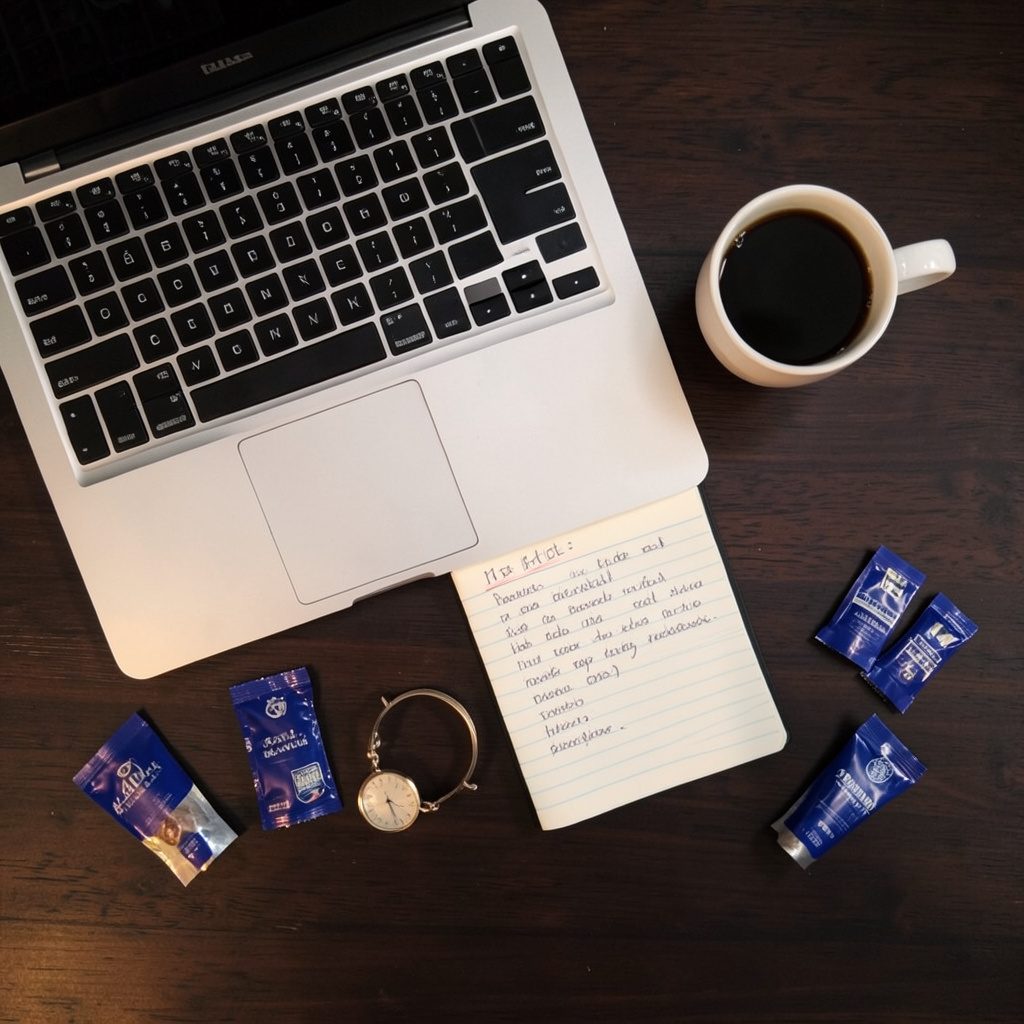
Our bloggers test products in real homes with real families.
Trusted by Thousands
SINCE 2012 — HONEST REVIEWS, REAL FAMILIES
Brands partner with OMG Goodies to reach engaged families through authentic product reviews, sponsored content, and seasonal gift guides.
Work With Us
Our 2017 Gift Guides spanned Valentine's Day, Mother's Day, Father's Day, and the holiday season — helping thousands of readers find the perfect present.
Gift Guides You Can Count On

Sweepstakes Link Up!
Join our community sweepstakes. Link up your own giveaways and discover new ones every week.
Product Reviews
Browse honest reviews across 18 categories — from baby products to tech gadgets.
Gift & Lifestyle Guides
Curated picks for holidays, fitness goals, and every special occasion in between.

Recent Reviews
HOME & KITCHEN
WHY SLOW COOKER IS A FAVORITE FOR A BUSY MOM
A slow cooker saves time and stress for families juggling busy schedules. Our team shares how this kitchen staple became a weeknight hero.
Slow Cooker Review

HEALTH & WELLNESS
THE TOP 5 COST-EFFECTIVE DIETS TO TRY THIS NEW YEAR
From meal planning to smart grocery shopping, these five approaches help families eat well without breaking the bank.
Diet Guide
PET PRODUCTS
4 WAYS CRATE TRAINING IS GOOD FOR YOUR PUPPY
Crate training builds security and routine for puppies. Our pet-loving bloggers explain the benefits and best practices.
Puppy Training Tips
PET PRODUCTS
5 TIPS TO MAKING HOMEMADE CAT FOOD
Homemade cat food can be nutritious and affordable. Our team shares five practical tips for getting started safely.
Cat Food Guide
Want to partner with a trusted family blog?
- Sponsored reviews and dedicated posts
- Placement in seasonal gift guides
- Sweepstakes and giveaway collaborations
- Access to 21,000+ engaged followers