
Join Over 21,000 Followers!
OMG Goodies
Real Reviews.
Real Families.
Real Goodies.

WHY OMG GOODIES
Twelve Bloggers, One Mission
- Honest product reviews across 18 categories
- Seasonal gift guides for every occasion
- Sweepstakes and giveaways you can join
- Tips for parents, pet owners, and bargain hunters
Best parental control apps for monitoring screen time
Screen-time clashes often begin after school, when a tablet becomes the easiest way to unwind and every extra minute online feels like a loss. For families in Sydney, Melbourne, Brisbane, Perth and Adelaide, the daily routine can include public transport, Saturday sport and games streamed after dinner. A parental control app can make those boundaries clearer without turning everyday technology use into a contest.
The right solution depends on your devices, your children’s ages and how much oversight feels appropriate. Australia’s mix of iPhones, Android phones, school-issued Chromebooks and Windows laptops means a feature-rich service may not work equally well for every family. Location tracking, app limits, school-time schedules and transparent data policies deserve equal attention.
A practical checklist for choosing screen-time controls
Start by listing every device your children use, including shared family tablets and school computers. Family Link is particularly useful for Android households, while Apple Screen Time integrates naturally with iPhones and iPads. Microsoft Family Safety fits homes with several Windows computers or Xbox consoles. Norton Family and Bark offer stronger monitoring options for families seeking more detailed visibility.
Pricing also matters. Australian subscriptions are charged in Australian dollars and generally include 10% GST, so compare monthly and annual totals before committing. Before choosing a paid plan, check Australian coupon listings for ways to balance the cost with other family expenses. Location histories are sensitive information, and families should review the Australian privacy policy, retention controls and deletion options offered by each provider.
- Check compatibility with every child’s phone, tablet and school device.
- Separate bedtime, school-time and recreational limits instead of using one daily cap.
- Use a separate parent PIN or Screen Time passcode that children cannot guess.
- Enable weekly activity reports rather than checking usage constantly.
- Compare the total annual cost, GST and cancellation terms.
- Review location permissions and disable tracking whenever it is unnecessary.
Google Family Link for Android-led households
Google Family Link is the strongest free starting point for a household built around Android. It provides app limits, schedules, device downtime, purchase approvals and bedtime controls from one parent account. Children can request more time, while parents approve or decline access without sending a message to every device.
Location reports are available for younger children’s compatible Android phones, and parents can check the last known position or set location alerts. Updates depend on device settings, battery level and connectivity, which can matter for regional families using mobile data or sharing a hotspot. Families on the NBN will generally see more consistent updates at home.
The limitation is cross-platform depth. Family Link does not provide detailed text, browser-history or social-media monitoring comparable with Bark. It also cannot impose the same controls on an iPhone. For Australian families combining Android phones with school Chromebooks, it remains a practical, low-cost choice for basic limits and household-wide schedules.
Apple Screen Time for iPhone and iPad families
Apple Screen Time is built into iOS, iPadOS and macOS rather than offered as a separate download. Parents can view daily and weekly app activity, set app limits, impose a bedtime schedule and configure restrictions for web content, purchases and communication. Screen Time also supports device pickups for stopping all activity when the family needs everyone’s attention.
Location sharing works through Find My, while a family passcode protects administrative settings. The setup suits families whose children mainly use Apple hardware and want controls that travel automatically between devices. As with other services, parents should discuss location sharing with older children and avoid using monitoring as a substitute for trust.
Apple’s system is clear for basic limits but limited when detailed content visibility is the priority. For broader buying context, readers can browse family tech reviews when comparing devices, accessories and apps used at home.
| App | Best household fit | Main screen-time features | Location options | Typical cost |
|---|---|---|---|---|
| Google Family Link | Android households | App limits, bedtimes, approvals and downtime | Reporting and alerts on supported Android devices | Free |
| Apple Screen Time | iPhone, iPad and Mac families | Activity reports, app limits, pickups and restrictions | Find My and Location Sharing | Free |
| Microsoft Family Safety | Windows, Xbox and Android homes | Cross-device limits, activity reports and content controls | Optional alerts with consent | Free core service; paid options available |
| Norton Family | Multi-device families needing schedules | Usage limits, school-time rules and parent dashboards | Location monitoring and geofences | Paid subscription |
| Bark | Families with older children | Keyword alerts, content filters and detailed activity monitoring | Check-ins, geofences and alerts | Trial and paid plans |
Microsoft Family Safety for Windows households
Microsoft Family Safety is a useful option for families whose children use Windows laptops at home or school. The free service supports device limits, app restrictions, activity reporting and cross-device management within a family group. Optional paid features add more controls, while Android compatibility gives it some value in mixed-device homes.
The service is particularly relevant where a child receives a school-issued Windows computer. Parents can coordinate screen-time rules with school hours and keep an eye on gaming activity across Windows and Xbox devices. Family Safety can also provide location features when both the child and parent give consent.
Its limitations appear in mixed Apple households, where the level of control is less detailed than Apple Screen Time. Families should compare the free and paid tiers through an Australian Microsoft account before purchase, and confirm which school devices remain under the school’s own management policies.
Norton Family and Bark for closer monitoring
Norton Family is the more structured option for families that want defined schedules, geofences and clearer location history across several platforms. Parents can create rules around school, bedtime and specific applications, then review activity through a shared dashboard. It suits households that need more control than a simple screen-time cap but do not necessarily want message-level surveillance.
Bark focuses on older children and teenagers. It can generate keyword alerts, flag concerning content and provide a broader view of app and web activity. Check-ins, location alerts and geofences are available depending on the selected plan. Its Android and iOS experiences differ, so families should test the setup against each child’s actual phone.
Neither service should be chosen solely because it displays the most data. Norton Family’s plans can vary by market, while Bark’s alerts require careful configuration to avoid excessive notifications. Younger primary-school children may benefit more from simple limits and a family agreement, whereas teenagers often need the additional context Bark can provide. Always read the deletion and retention policies before enabling detailed monitoring.
Build a screen-time routine your family will use
Choose the app that matches your devices, then begin with a short trial during the school holidays or a regular weekend. Establish a consistent bedtime, agree on which apps are unrestricted and explain what happens when a limit is reached. Involving children in the process makes the rules easier to understand and reduces the temptation to bypass them.
Turn on weekly reports, check alerts briefly and remove permissions that are no longer needed. Review the Australian-dollar subscription cost, including GST, before choosing an annual plan. When a child outgrows a restriction, adjust it deliberately rather than disabling the whole system.
Set up the chosen service with your child this weekend, test every permitted and blocked action together, and schedule the first family review for seven days later. A short, consistent routine is easier to maintain than a complicated set of controls nobody remembers to check.
"We are a team of bloggers with various talents. With twelve bloggers, we have families both big and small. We have cats, dogs, toddlers — and a passion for sharing what we love."
Our community has grown to over 21,000 followers who trust us for daily reviews, practical tips, and exciting giveaways. Every product we feature is tested by a real family, so you get honest opinions you can rely on.
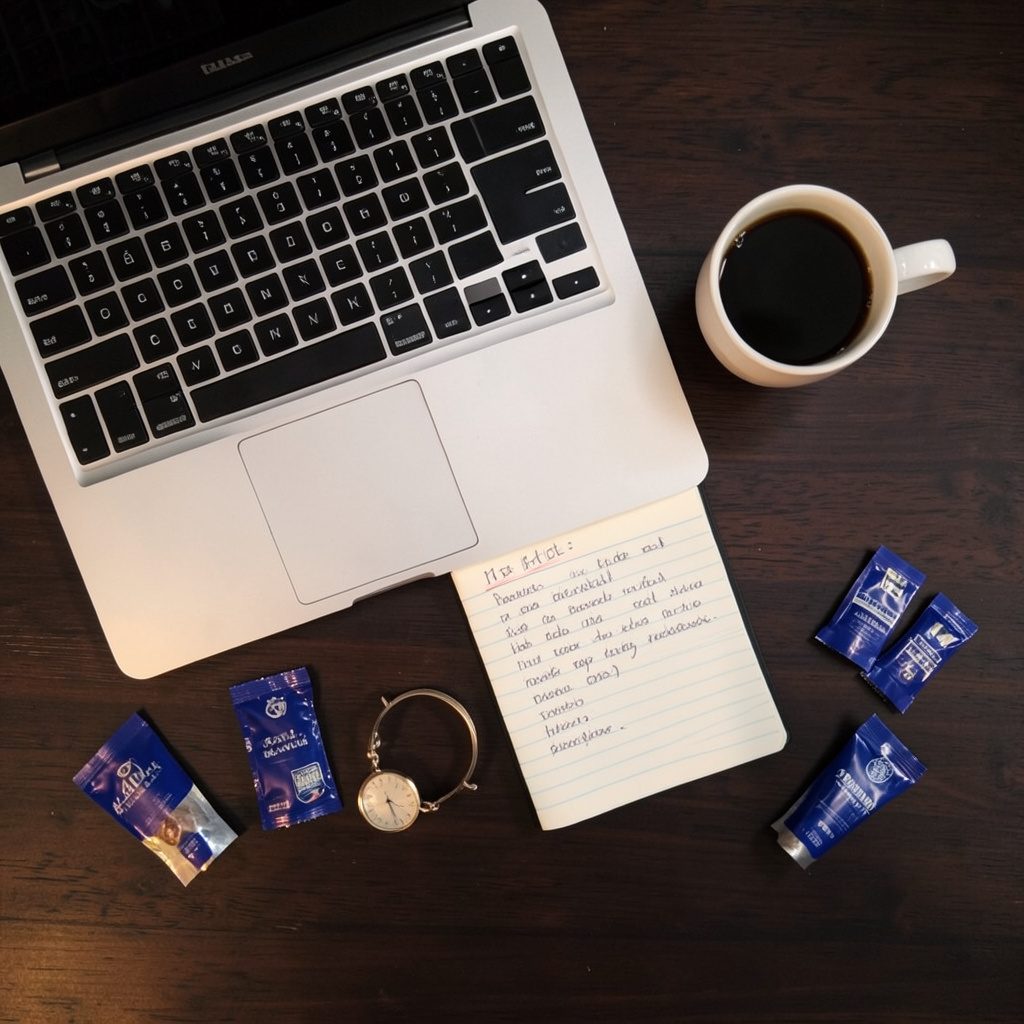
Our bloggers test products in real homes with real families.
Trusted by Thousands
SINCE 2012 — HONEST REVIEWS, REAL FAMILIES

Brands partner with OMG Goodies to reach engaged families through authentic product reviews, sponsored content, and seasonal gift guides.
Work With Us
Our 2017 Gift Guides spanned Valentine's Day, Mother's Day, Father's Day, and the holiday season — helping thousands of readers find the perfect present.
Gift Guides You Can Count On

Sweepstakes Link Up!
Join our community sweepstakes. Link up your own giveaways and discover new ones every week.
Product Reviews
Browse honest reviews across 18 categories — from baby products to tech gadgets.
Gift & Lifestyle Guides
Curated picks for holidays, fitness goals, and every special occasion in between.

Recent Reviews
HOME & KITCHEN
WHY SLOW COOKER IS A FAVORITE FOR A BUSY MOM

A slow cooker saves time and stress for families juggling busy schedules. Our team shares how this kitchen staple became a weeknight hero.
Slow Cooker Review

HEALTH & WELLNESS
THE TOP 5 COST-EFFECTIVE DIETS TO TRY THIS NEW YEAR
From meal planning to smart grocery shopping, these five approaches help families eat well without breaking the bank.
Diet Guide
PET PRODUCTS
4 WAYS CRATE TRAINING IS GOOD FOR YOUR PUPPY
Crate training builds security and routine for puppies. Our pet-loving bloggers explain the benefits and best practices.
Puppy Training Tips
PET PRODUCTS
5 TIPS TO MAKING HOMEMADE CAT FOOD
Homemade cat food can be nutritious and affordable. Our team shares five practical tips for getting started safely.
Cat Food Guide
Want to partner with a trusted family blog?
- Sponsored reviews and dedicated posts
- Placement in seasonal gift guides
- Sweepstakes and giveaway collaborations
- Access to 21,000+ engaged followers